Function Join the beta
The Function app icon: a dark key with fn and a globe

Function Keyboard

A keyboard for iPhone and iPad. Talk, slide or type, and it puts in what you meant.

Join the beta

Coming soon to the App Store

Talk instead of typing

Tap the waveform and talk. Function types what you meant, with the ums taken out.

The keyboard listening in Messages. A You said note shows “Um, yes, uh, I’ll bring a cake at like noon”, with um, uh and like struck out, and “Yes, I’ll bring a cake at noon” goes in the message field.

Slide to type whole words

Draw across the letters without lifting your finger.

A finger’s trail slides across s, u, r and e, and “Sure” goes in.

Type : to find any emoji

Type a colon and a word, then tap the one you want.

“Sure :dan” is typed, matching emoji fill the bar, and 💃 replaces “:dan”.

Type @ to find a contact

Pick someone to put in their name, number or email.

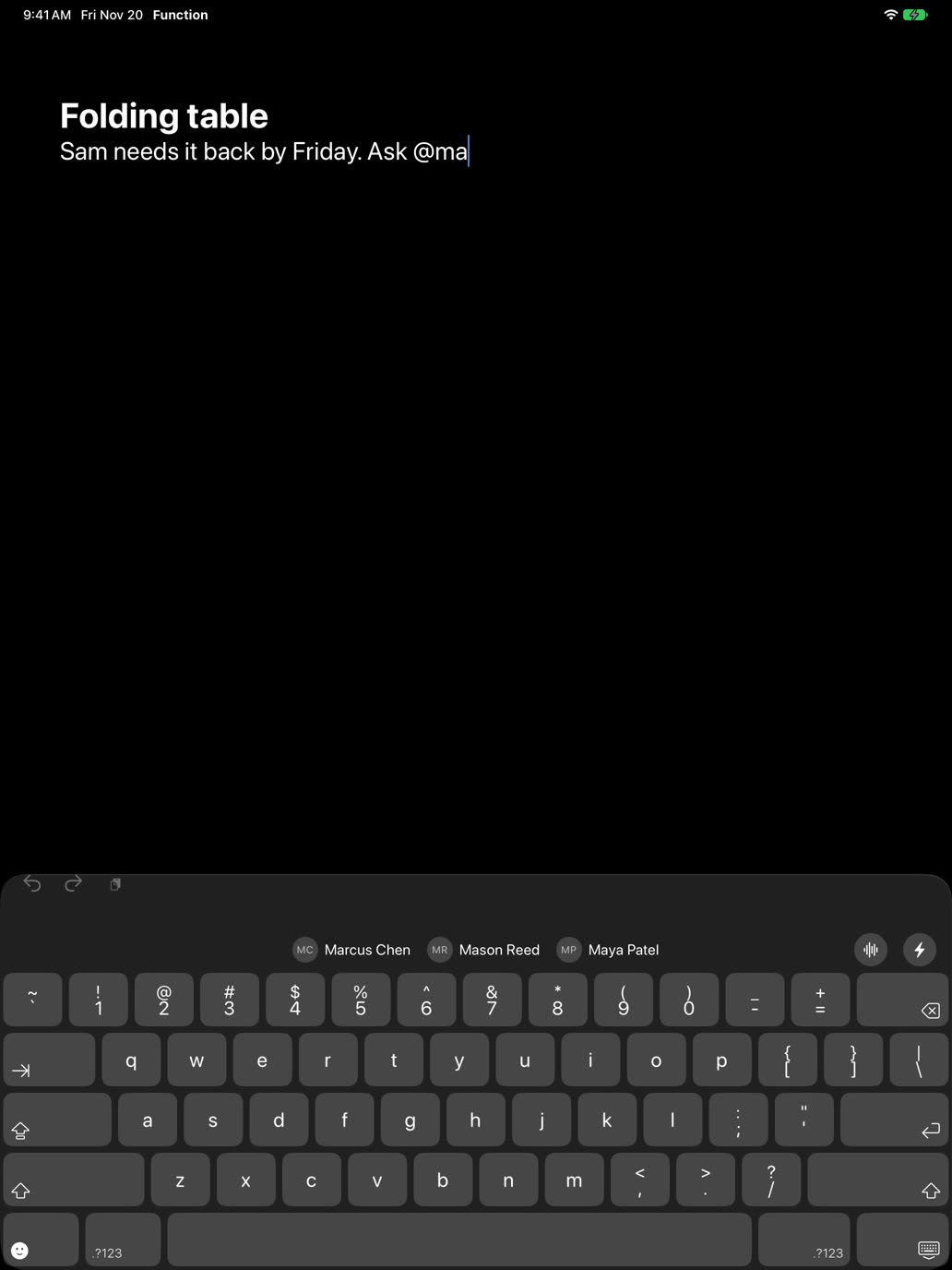
“Ask @ma” is typed, Marcus Chen, Mason Reed and Maya Patel fill the bar, and picking Maya Patel puts her name in.

Rewrite or translate it

Tap ⚡ to rewrite what you wrote or translate it. Select words to look them up.

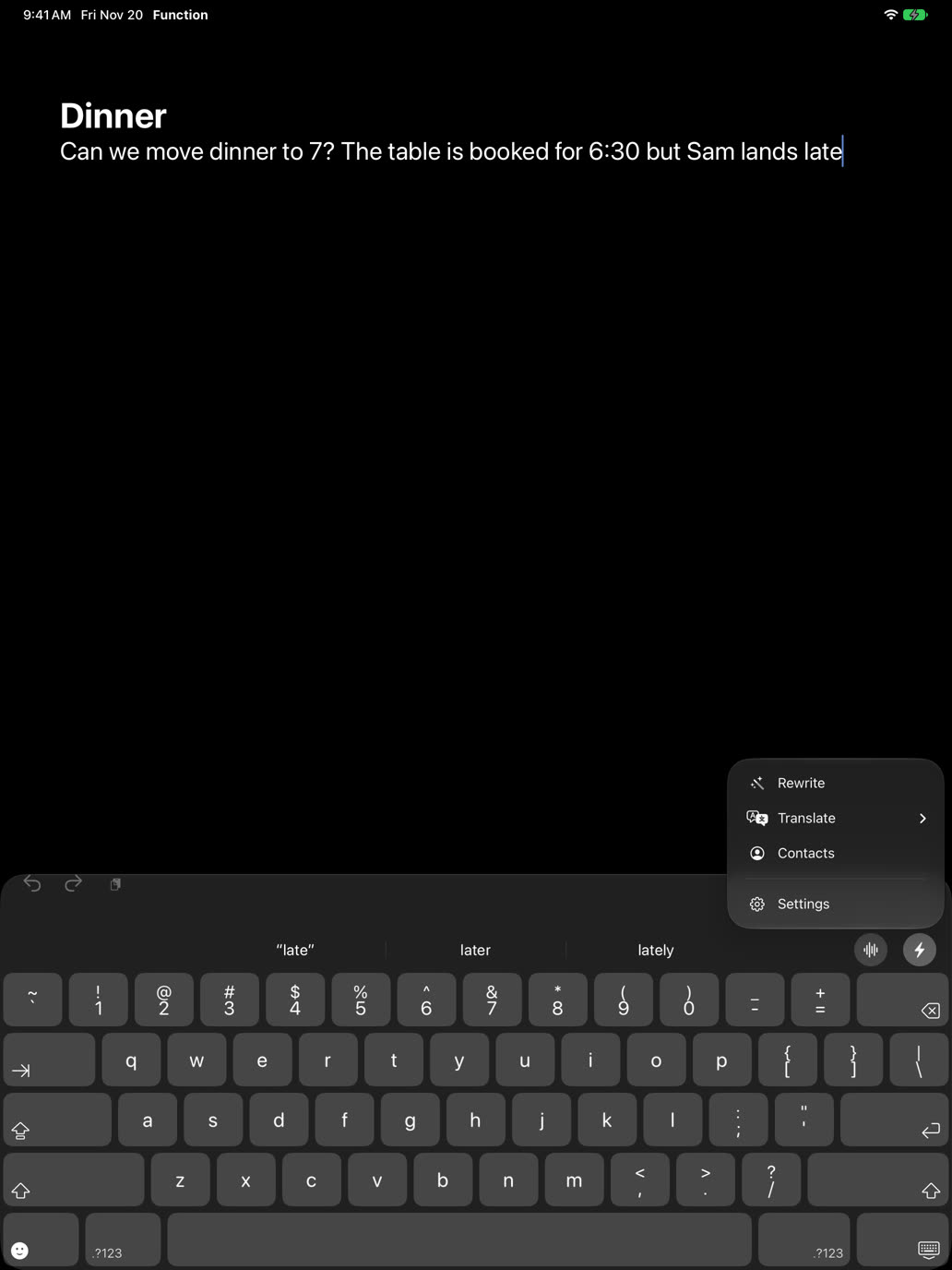
The ⚡ menu opens with Rewrite, Translate to Spanish, Translate to…, Contacts and Settings. Translate to Spanish turns “running late, there in 10” into “Voy tarde, llego en 10”.

Autocorrect stays on your iPhone

Corrections come from a model that runs on your iPhone. What you type isn’t sent anywhere for them.

“ill be tehre at 7” is typed, and the keyboard corrects it to “I’ll be there at 7” on the iPhone itself.

On iPad too

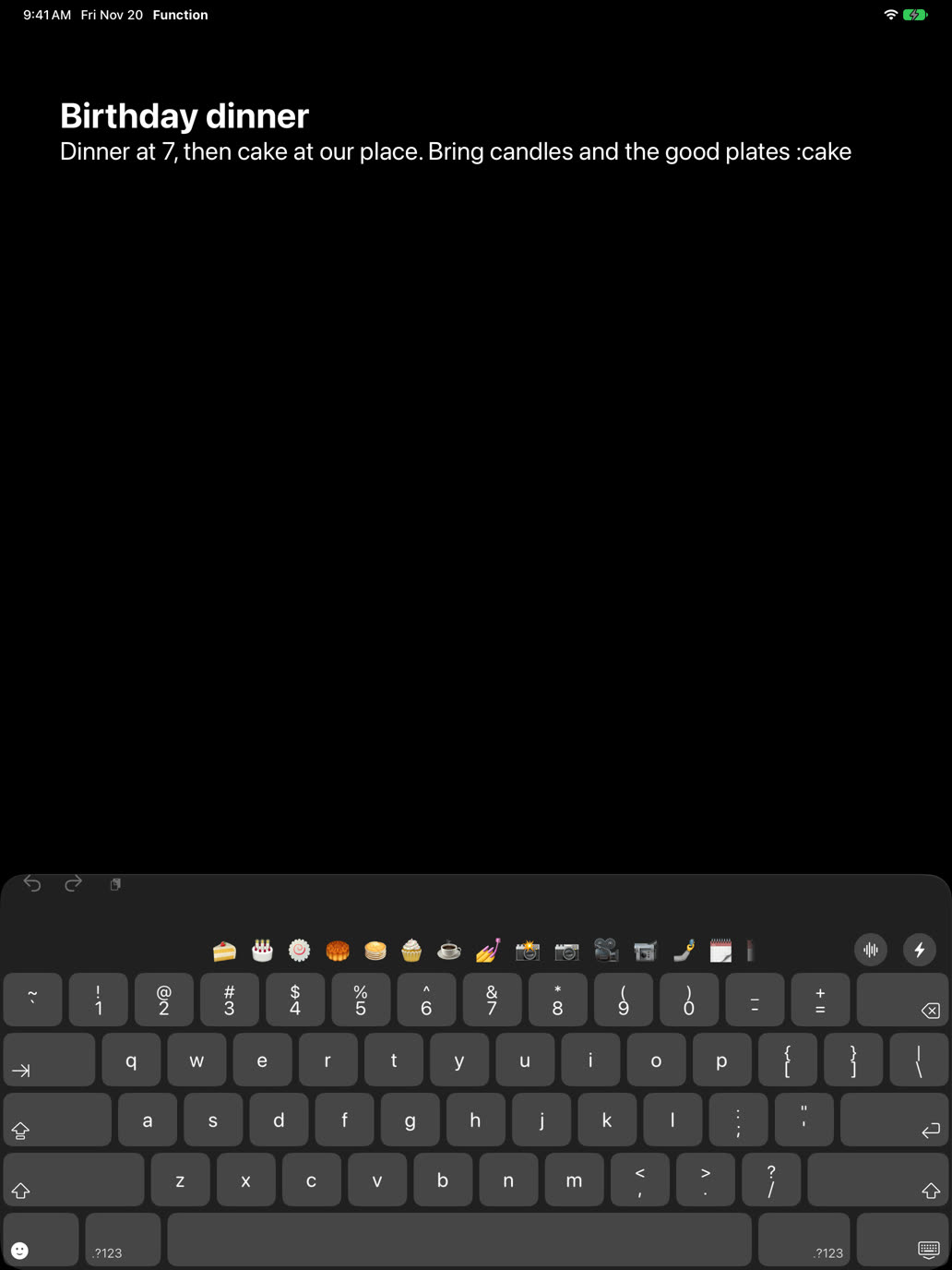
Voice, emoji, contacts and ⚡, on iPad’s full-size keyboard.
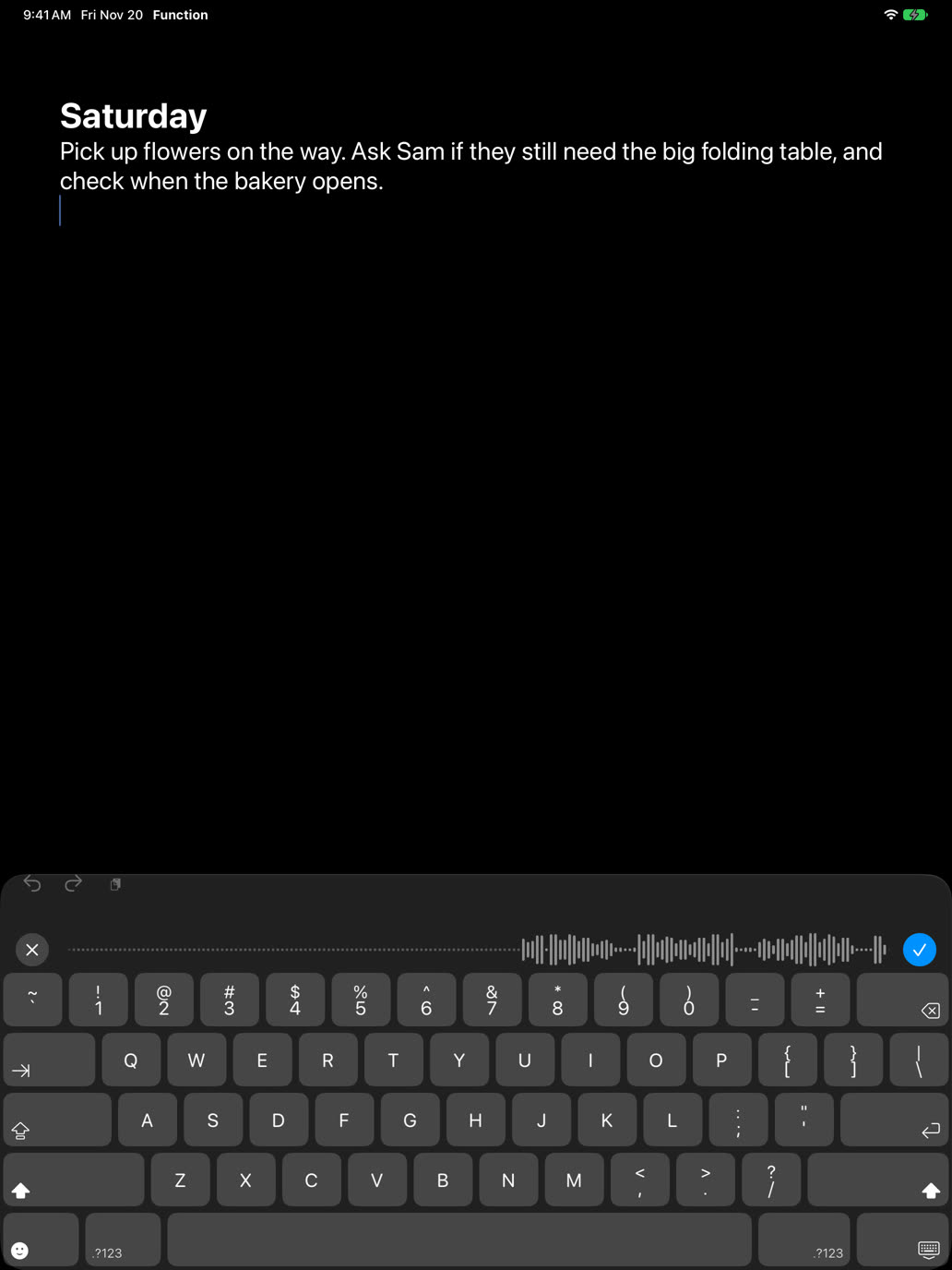
Function on iPad, listening to Voice in a note Function on iPad, finding emoji after a colon Function on iPad, finding contacts after an @ Function on iPad, with the ⚡ menu open

Get Function Keyboard

The keyboard is free. Function Pro is $9.99 a month for unlimited Voice.

Join the beta

Coming soon to the App Store